Seven clear steps, from sign-ups to final rosters.
Sign-ups on your own website, evaluators scoring on their phones, rankings that flag disagreements, a team builder, offers with deadlines and reminders, and rosters ready for registration. Every screen below is MDS Academy on Pulse, with made-up players.
Tap a step to see its real screen.
Step 5: Team Builder
Drag players onto teams, best rank first, or select several and move them together. Each team shows its places, coach and returners holding a place; lock a team when it’s final. Waitlists in order, and Not selected kept separate.
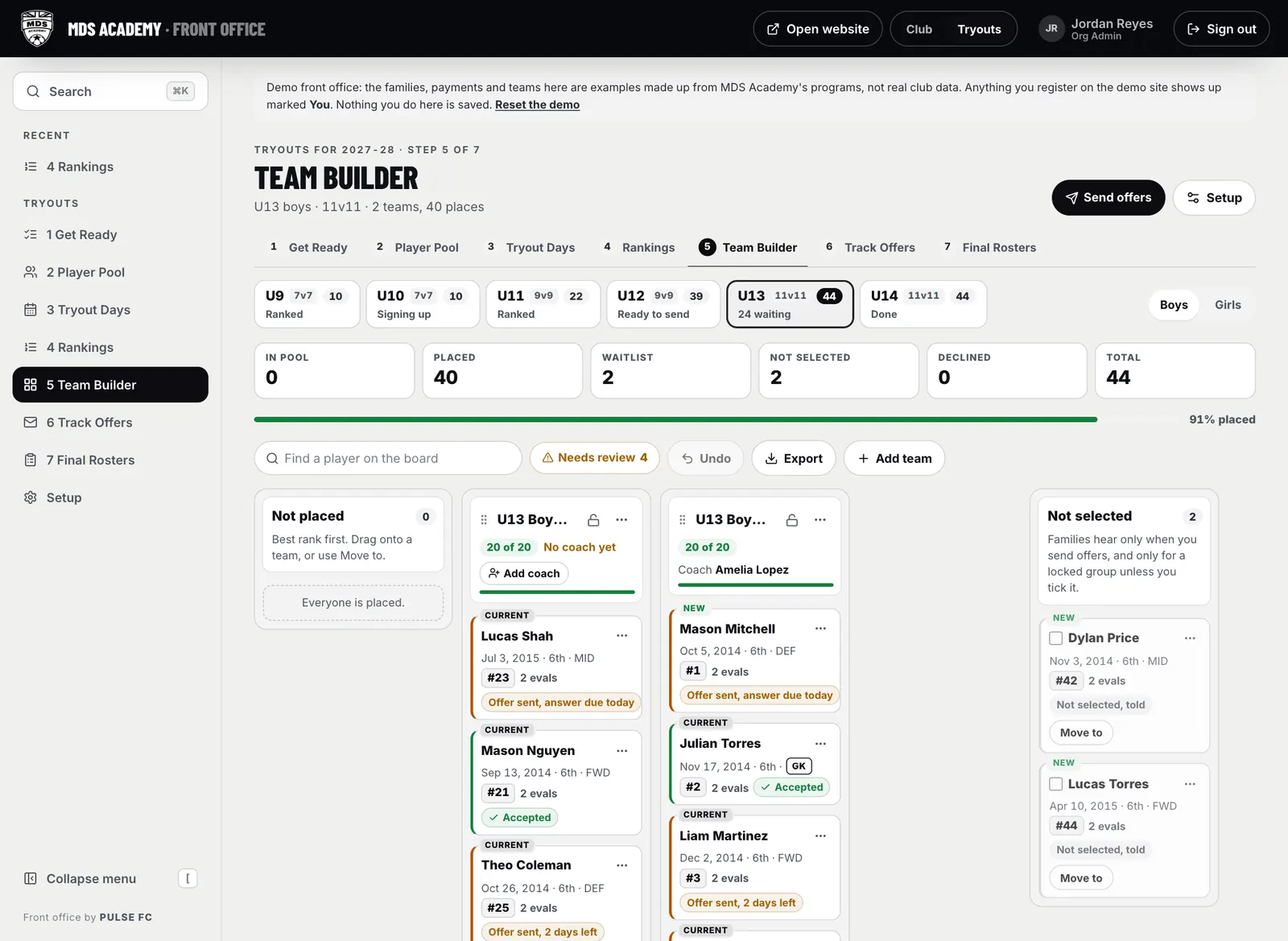
MDS Academy’s players and figures here are made up and illustrative on each screen; they aren’t meant to add up from one screen to the next.
What a director of coaching asks.
The straight answers, including the one that’s “not yet”.
| Question | Pulse today |
|---|---|
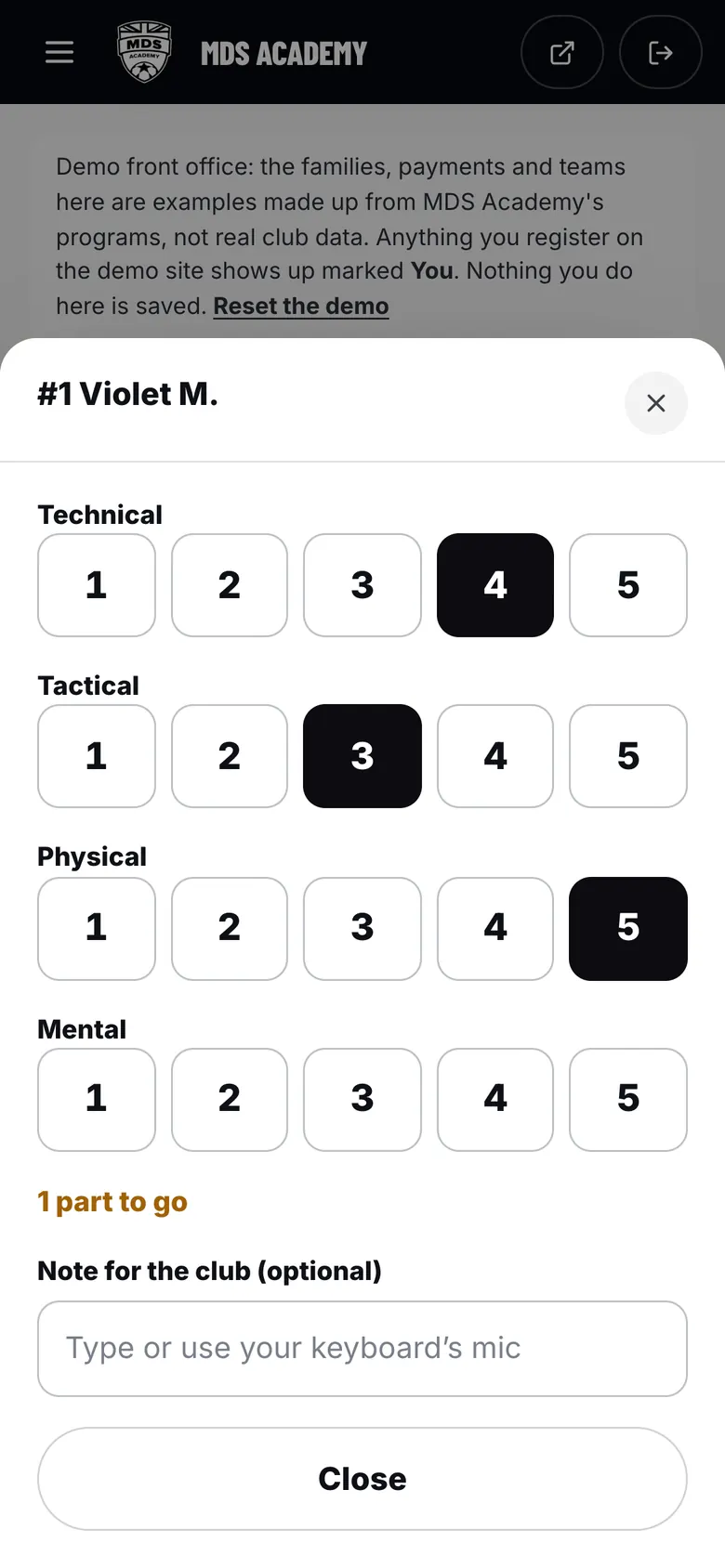
| Scoring | Technical, tactical, physical and mental, 1 to 5, with a note for the club. Or have evaluators rank players instead of scoring them. |
| Category weights | Not yet. The four parts count equally today; the coach’s season evaluation is shown beside the blend. |
| Walk-ups | Yes. Add a walk-up at check-in, with a pinnie number, in a tap. |
| Rounds and callbacks | Yes. Add a round 2 session, choose players from the rankings and invite them. |
| No signal on the field | Check-in lists and the evaluator’s players are kept on the phone. Taps are saved and sent when the signal comes back, and the screen says “no signal”, not an error. |
| Offers and deposits | Each offer has a deadline at 11:59 PM club time. Families can pay a deposit to accept, or accept and hold the place for the days you set. |
| Families at each step | The sign-up form on your website, a session to pick, the offer letter with the coach named, accept or decline, the waitlist, then registration. |
Your whole season, start to finish.
Eight fixtures, one system. Every screen is MDS Academy on Pulse, and most open its live page.
First half Tryouts

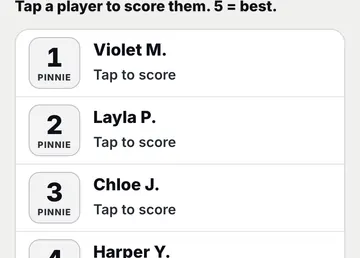
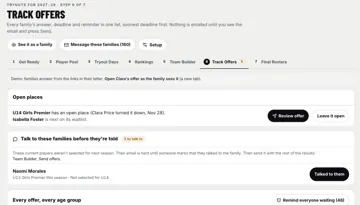
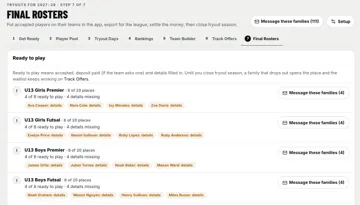
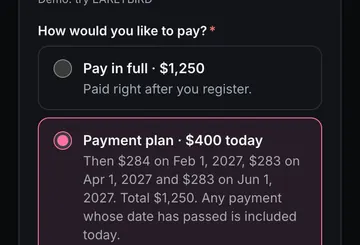
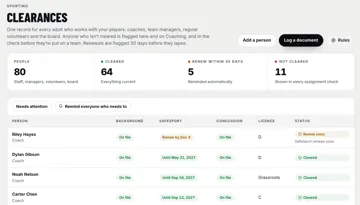
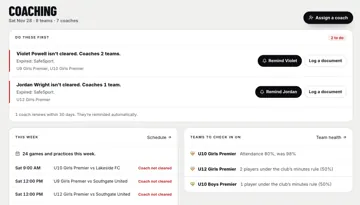

The players, families and figures are made up. They are illustrative on each screen and aren’t meant to add up from one screen to the next (the tryout screens show a larger club than the front office does).
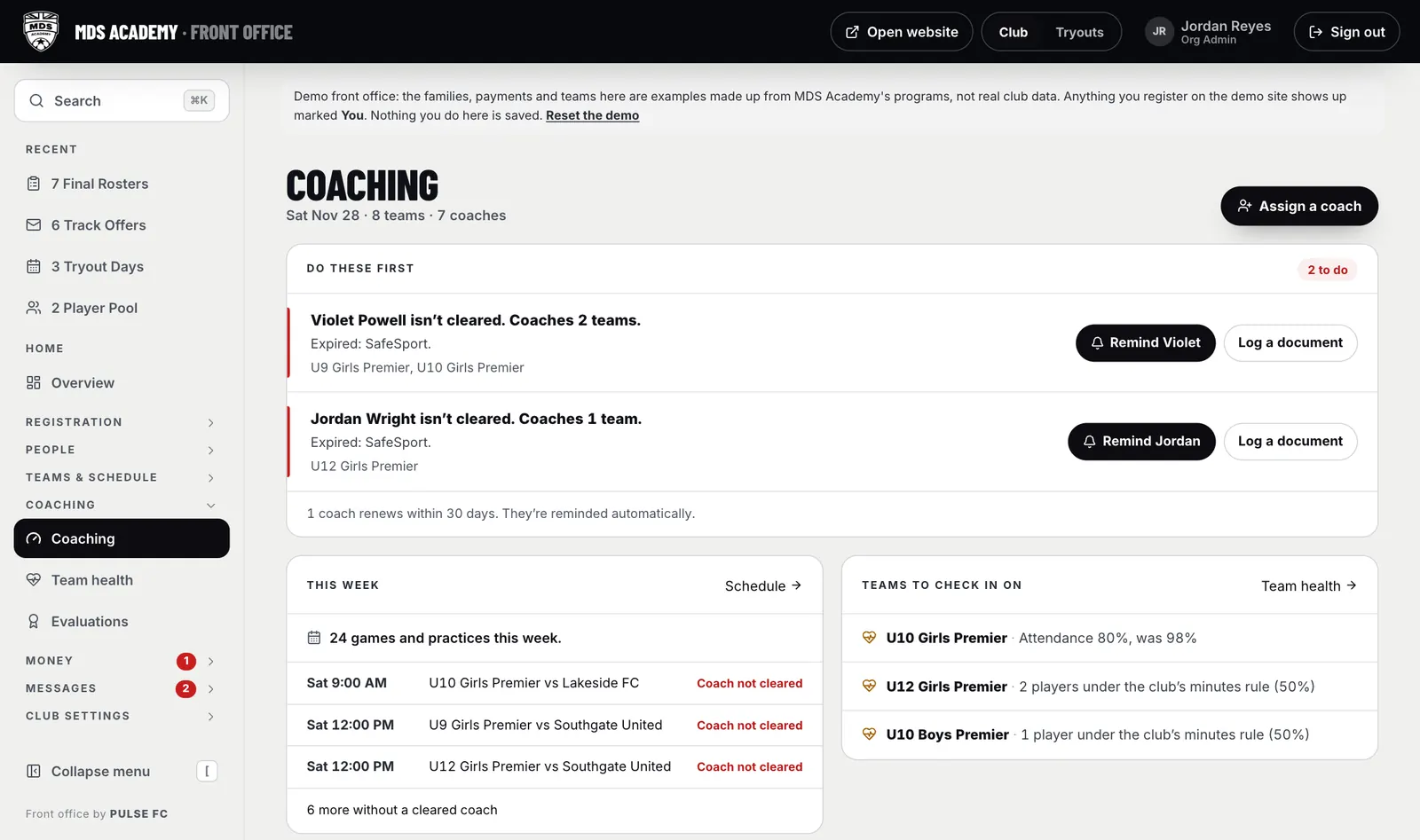
The Coaching home, all season.
After tryouts, the director of coaching’s home: what to do first, this week’s games and practices, teams to check in on (an attendance drop, the club’s minutes rule), evaluations waiting for approval, and every coach’s clearance. Assigning a coach checks their clearance, license and clashes first.
- Season evaluations by coaches, approved before families see them, and shown beside tryout rankings next year.
- Attendance reports and team health for every team.
- Curriculum and session plans: not in Pulse yet.
Tryout questions.
Can guest evaluators score without an account?
Yes. Each evaluator gets a personal link, by text or as a printed QR code. It works for the days of their sessions and needs no password.
What if the field has no signal?
Check-in and scoring keep working. The lists are kept on the phone and every tap is saved and sent when the signal comes back.
Can we weight technical above physical?
Not yet. The four parts count equally today, with the coach’s season evaluation shown beside the blended score.
Do families pay a deposit to accept?
If you want them to. Choose a deposit to accept, or accept now and hold the place for a number of days while they pay.
See your club on Pulse.
Send us your website. We’ll build your club’s website and front office by hand and email you the link within 48 hours.